
1. Compare tasks across the whole workflow
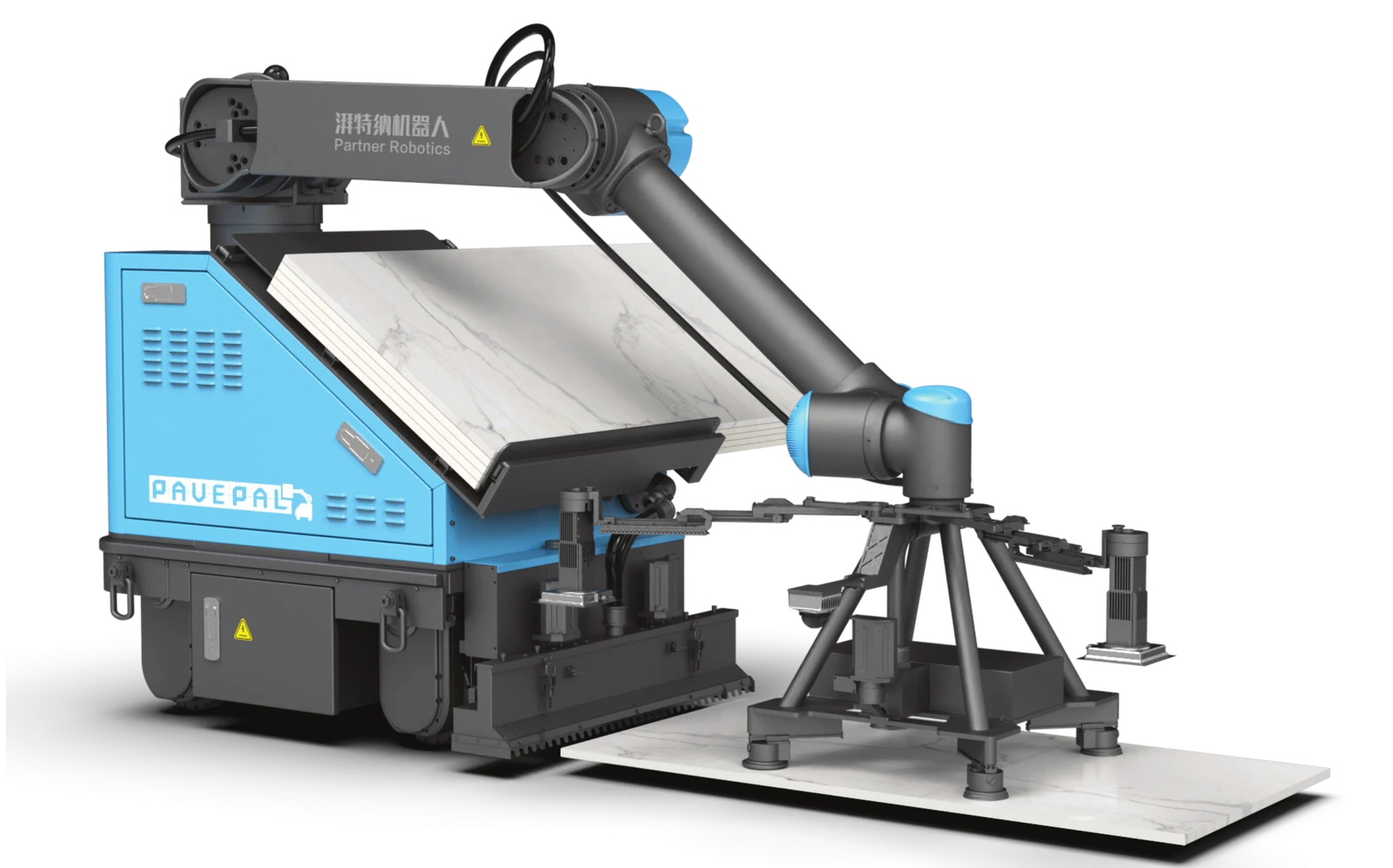
The P900 PRO combines adhesive application and tile placement. It does not remove the need to plan substrate preparation, material handling, inspection and the work outside the agreed machine scope. Define these responsibilities before comparing crew size or productivity.
| Task | Manual installation | Robot-assisted installation |
|---|---|---|
| Preparation and setting out | The crew prepares and checks the work area and layout. | The team checks site readiness, machine access and the planned installation layout. |
| Adhesive and tile placement | The crew applies adhesive, handles tiles and positions them. | The P900 PRO coordinates adhesive application and tile placement within its reviewed operating scope. |
| Material supply and interruptions | Plan replenishment and handling around the crew. | Plan replenishment, machine setup, movement and recovery from interruptions. |
| Edges and acceptance | Plan cuts, details, cleaning and inspection. | Confirm which details need separate work, and use the same agreed installation acceptance criteria. |
2. Check whether the site fits the machine
Review tile size and weight, substrate condition, laying pattern, room geometry and access. Repeated work areas with a clear material route can be a useful starting point for evaluation; fragmented areas and frequent changes need closer workflow review.
The documented P900 PRO patterns include standard grid, running bond with 50% offset and one-third offset. Other layouts need project-specific review. Do not assume a robot can handle every tile or pattern without confirmation.
3. Measure a representative trial fairly
Rated machine efficiency and a crew’s completed shift output describe different things. Use site measurements to assess your own result; the available product data does not establish a universal labor-saving percentage or payback period.
- Use comparable substrate conditions, tile format, adhesive, pattern and finished quality requirements.
- Record preparation, setup, replenishment, actual installation, interruptions, cleaning and any rework.
- Record the completed accepted area, total elapsed time and the tasks performed by each person.
- Review installation quality against the project specification, including bond requirements, alignment, joints and surface levels.
4. Make the decision with project evidence
Choose the method that meets the required quality, schedule and total project cost for your site. Send drawings, tile details and the proposed workflow to discuss the P900 PRO, and ask which conditions should be reproduced in a demonstration.
Product information and next steps
This guide uses the product brochures and technical information reflected on our product pages. Review the linked specifications and confirm your project requirements with our team.